Written by
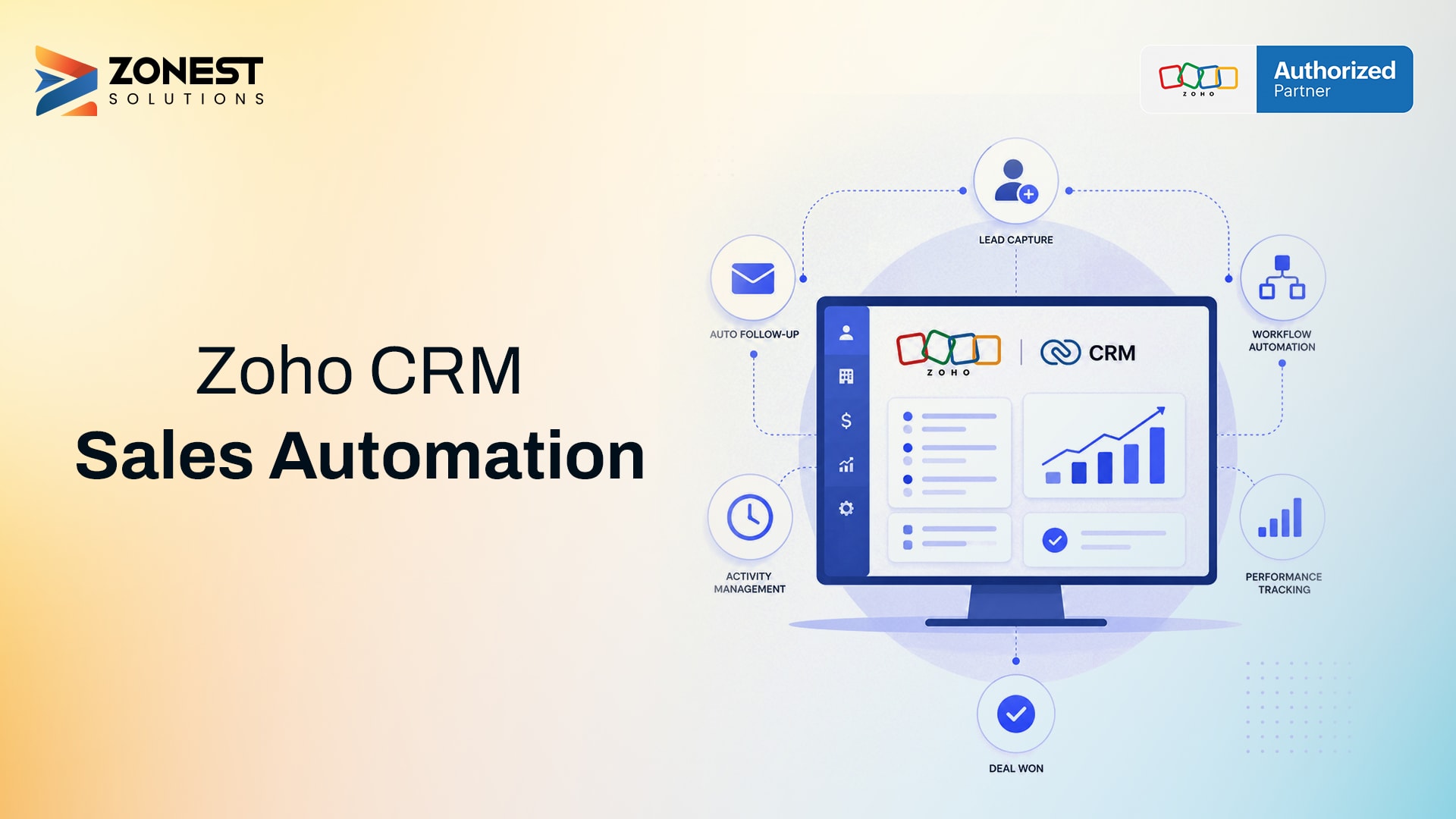
Automate your sales process with Zoho CRM—from lead capture and assignment to follow-ups, deal management, quotes, approvals, and invoicing. This step-by-step guide explains how to streamline sales operations, reduce manual work, and improve team productivity using Zoho CRM automation tools.
By just automating their sales processes, businesses see faster lead response and consistent follow-ups. CRM and automation with Zoho CRM captures leads from web forms, assigns them instantly, and move deals through stages using workflow rules and Blueprint. This eliminates manual data entry, so your sales team spends less time on admin and more time selling.
Key Takeaways
- Automate lead capture from web forms to stop losing potential customers
- Set up automatic lead assignment and automated follow-up sequences
- Generate quotes and invoices automatically
- Track performance with automated reporting and dashboards
What Does It Mean to Automate Your Sales Process?
Sales process automation means using technology to handle repetitive tasks like data entry, follow-up emails, and lead assignment automatically. Instead of doing these manually, your CRM executes them based on rules you set. Zoho CRM helps you automate business processes from lead capture through deal closure, ensuring consistency without manual effort.
Why Manual Sales Processes Hold Businesses Back
Sales for any business is an important aspect, and thus manual processes create real problems. When leads come in through your website or email, someone has to manually enter them into the CRM. This delay means slower response times, and prospects lose interest when they do not hear back quickly.
Common pain points with manual sales processes:
Slow lead response: Leads sit in inboxes or spreadsheets before anyone reaches out.
Missed follow-ups: Reps forget to follow up because they have no automated reminders.
Inconsistent pipeline stages: Different reps update deals differently or not at all
Delayed invoicing: Quotes and invoices are created manually, extending your cash conversion cycle
Step-by-Step: How to Automate Your Sales Process in Zoho CRM
It is easy to automate your sales process when you break it down into clear steps.
Step 1: Capture Leads Automatically
Lead capture is the first step in any sales process. When a potential customer fills out a form on your website, you want that information in your CRM instantly without manual data entry.
Zoho CRM offers web-to-lead forms that you can embed on your website. When someone fills out the form, a new lead record is created automatically in your CRM. You choose which fields to capture, and the system maps them directly to lead fields in Zoho CRM.
Step 2: Score and Qualify Leads
Lead scoring helps identify which leads are ready to buy and which need nurturing. Zoho CRM assigns points based on attributes like job title and behavior like website visits. When a lead reaches a certain score, the system triggers actions automatically.
Step 3: Assign Leads to the Right Rep
Fast lead assignment matters because speed to lead impacts conversion rates. Zoho CRM assignment rules automatically assign leads based on territory, industry, or lead source. Round-robin distributes leads evenly among team members for fair workload distribution.
Step 4: Automate Follow-Ups and Reminders
Automated follow-ups ensure no prospect falls through the cracks. Zoho CRM workflow rules create tasks for reps and send automated emails based on triggers. Welcome emails go out immediately after lead capture, and tasks remind reps to call within a specific timeframe.
Step 5: Move Deals Through the Pipeline with Blueprint
Blueprint creates a step-by-step path for moving deals through pipeline stages. Each stage requires specific actions and validations before progressing. This ensures consistency across your sales team.
Step 6: Automate Quotes and Proposals
Zoho CRM lets you generate quotes directly from deal records with auto-populated contact and product information using merge fields and templates. This speeds up the sales cycle and reduces errors.
Step 7: Automate Approvals
Zoho CRM approval rules automatically route quotes, discounts, or other requests to the right approver when conditions are met. Approvers receive notifications and can approve or reject from their email or mobile device.
Step 8: Automate Invoicing After the Deal Is Won
When a deal closes, Zoho CRM and Zoho Books integration automatically create an invoice. All customer details, products, and pricing are pulled from the deal record. This eliminates manual data entry and reduces errors.
Step 9: Track Results with Reports and Dashboards
Zoho CRM reports and dashboards track metrics like lead response time, deal velocity, and conversion rates. Scheduled reports and pipeline dashboards give you real-time visibility into your sales performance.
Zoho CRM Automation Tools at a Glance
Common Mistakes to Avoid When Automating Your Sales Process
It is best to avoid these mistakes when setting up sales automation for your business.
Automating a broken process as-is
Fix process issues first, as automation only speeds up existing problems, so map every step clearly before setting up workflows.
Too many rules with no owner or review
Assign someone to review automation rules regularly, then remove outdated ones as business needs change.
Not training the sales team on the new flow
There isn't a set number. The instances in this guide naturally align with customer actions. This approach feels less monotonous than a regular newsletter schedule.
Who Should Automate Their Sales Process with Zoho CRM
- Growing teams that are adding new sales reps benefit from consistent processes. Automation ensures every rep follows the same steps.
- Businesses with repetitive manual steps save hours each week by automating data entry, follow-ups, and quote generation.
- Teams losing leads to slow follow-up see immediate improvement with automated lead assignment and response sequences.
How ZoNest Helps You Automate Zoho CRM
Businesses need a certified and experienced partner to get the most out of Zoho CRM automation. ZoNest is an official Zoho Partner with certified professionals who understand how to set up automation that works for your specific business.
What ZoNest does:
- Assess your current sales process to find automation opportunities
- Set up workflow rules, Blueprint, and assignment rules
- Integrate Zoho CRM with Zoho Books for automated invoicing
- Train your team on using the new automated system
Conclusion
Automating sales with Zoho CRM eliminates manual data entry, follow-up reminders, and lead assignment. Workflow rules handle routine tasks, Blueprint guides reps through a structured process, and Zoho Books integration removes double data entry. This helps your team focus on building relationships and closing deals.
Ready to automate your sales process? Connect with ZoNest for expert guidance. Visit our website to learn more about the Zoho CRM services, or reach out through our contact page. You can also follow us on LinkedIn for updates and insights on Zoho solutions.